How to Write a Good AI Prompt
By Melchior Engelbrecht
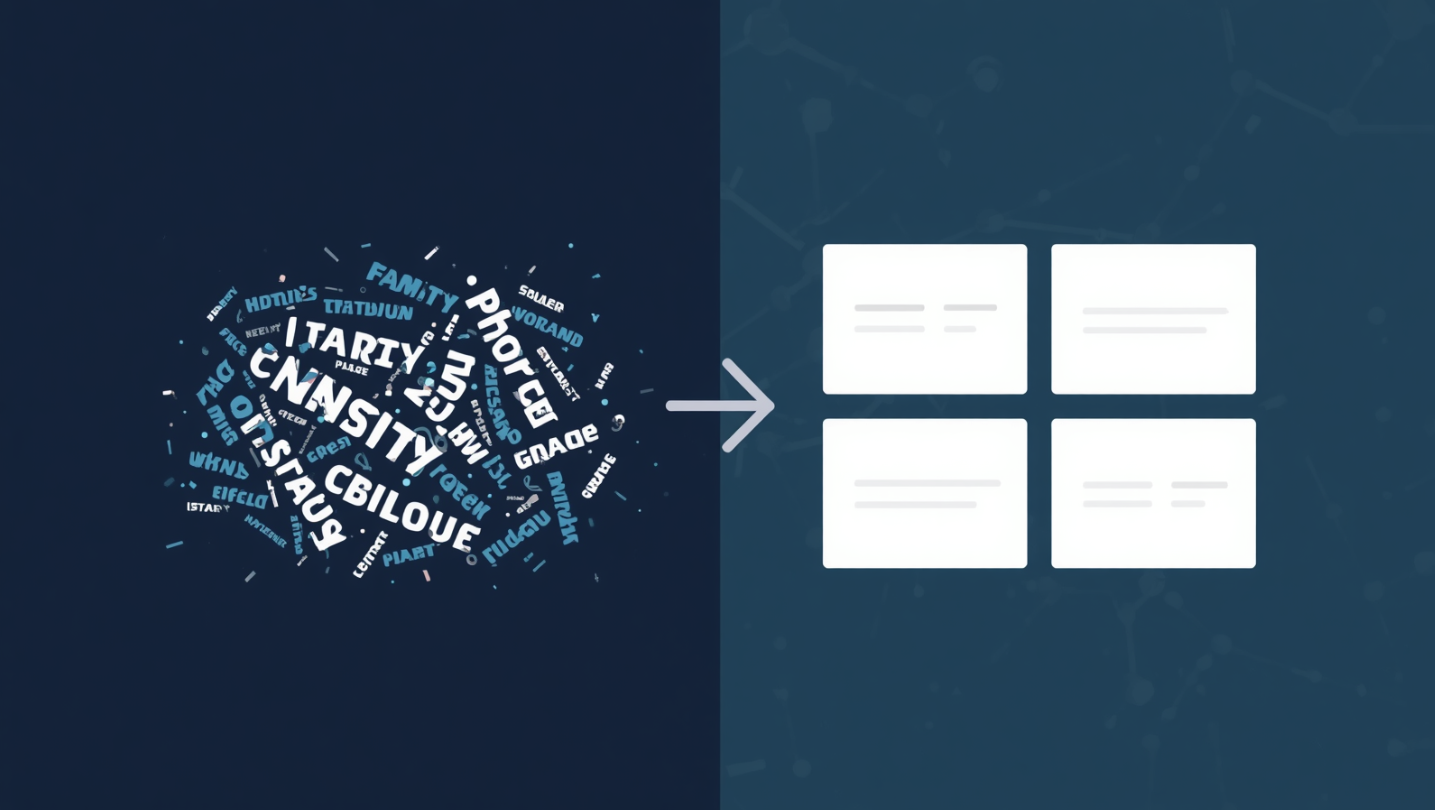
Artificial Intelligence is already part of our daily work — drafting emails, summarising legislation, assisting with Excel, and preparing for meetings. Yet a clear pattern is emerging: some people get extremely useful results, while others get generic, unreliable output. If you treat AI like a search engine, you will get average answers. If you treat it like a junior team member with clear instructions, you will get far better results.
The Golden Rule: Garbage In = Garbage Out
AI works best when you clearly define what you want, why you want it, and how it should look. A vague prompt such as “Summarise this” will almost always produce a vague result. A well-structured prompt such as “Summarise this document into five bullet points for a partner review, highlighting key risks, assumptions, and unresolved issues” immediately improves relevance, tone, and usefulness.
A Simple Four-Part Prompt Framework
A good prompt typically contains four key elements:
- Goal — what do you want? Be explicit about the outcome, for example “Draft an internal memo…”, “Summarise key changes…”, or “List risks and recommendations…”.
- Context — who is it for and why? Tell the AI how the output will be used: “…for a client with limited accounting knowledge”, “…for partner review”, or “…for internal planning purposes”.
- Expectations — what should the output look like? Control the structure, tone, and level of detail: “Use bullet points”, “Maximum 200 words”, or “Professional and concise tone”.
- Source — what should it use? Be clear about where the information comes from, such as “Use only the text below” or “Based on the attached email chain”.
Before and After: A Quick Example
Consider a typical prompt: “Write an email to a client about tax updates.” Now compare it with a more effective one: “Draft a short, professional email to a small business client explaining recent tax changes. Keep it under 150 words, avoid technical jargon, and highlight any actions the client should take.” The difference is significant — the second prompt produces something closer to a usable first draft, not just generic content.
Common Prompting Mistakes
Even experienced professionals fall into a few common traps:
- Too vague — no clear objective or audience.
- No output structure — resulting in long, unfocused responses.
- No constraints — leading to irrelevant or overly detailed output.
- No context — the AI cannot guess your intent.
- Over-reliance on the output — assuming accuracy without review.
It is worth remembering that AI produces confident answers — not necessarily correct ones.
Confidentiality and Professional Responsibility
When using AI in a professional environment — especially in audit and advisory work — a few principles are critical:
- Do not include client-identifiable or sensitive information in prompts unless permitted by firm policy.
- Generalise or anonymise inputs wherever possible.
- Treat AI output as a draft, not evidence.
- Always review and apply professional judgement.
AI is a powerful assistant, but it does not replace responsibility, scepticism, or technical judgement.
Think of AI as a Junior Team Member
The most effective way to frame prompting is simple: if you would not brief a trainee that way, don’t brief the AI that way.
Final Thought
Prompting is not really a technical skill — it is a communication skill. And in a profession built on clarity, structure, and judgement, it is one that plays directly to our strengths. Used properly, AI does not replace thinking; it simply helps us get to a better first draft, faster.